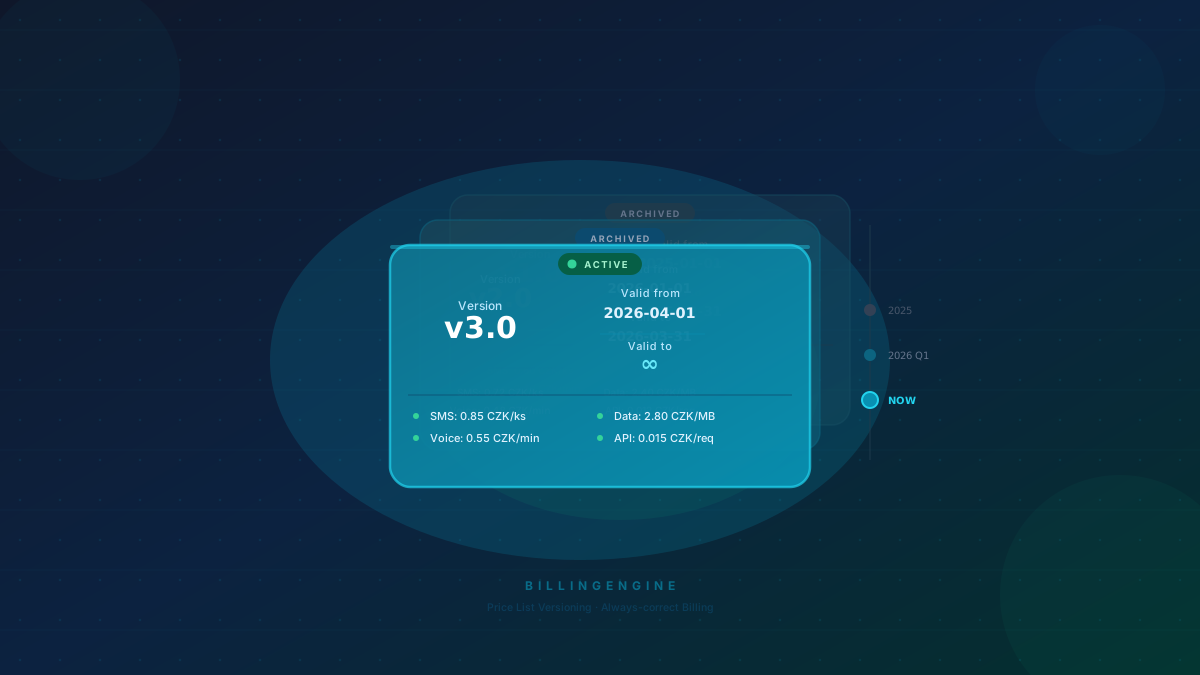
Why version price lists?
Prices change. But customers must receive invoices reflecting the prices that were in effect when the service was used — not today’s prices. BillingEngine handles this automatically through price list versions.
How versions work
Each price list (price_list) can have any number of versions (price_list_versions). Each version has:
| Field | Description |
|---|---|
valid_from | Start date of validity |
valid_to | End date of validity (or null = unlimited) |
status | draft / active / archived |
The engine always selects the version whose valid_from–valid_to interval covers the record’s date.
Creating a new version via API
POST /api/v1/price-lists/{id}/versions
Authorization: Bearer <token>

{
  "valid_from": "2026-04-01",
  "valid_to": null,
  "status": "active"
}
Then add items:
POST /api/v1/price-lists/{id}/versions/{versionId}/items
{
  "service_type": "SMS",
  "unit_price": 0.035,
  "currency": "EUR"
}
Transitioning to a new version
When raising prices from April 1st, simply:
- Create a new version with
valid_from: "2026-04-01" - Close the old version by setting
valid_to: "2026-03-31"(or archive it) - March records stay priced at old rates; April records automatically use the new ones
No changes to historical data are needed.
Tip: draft versions
You can create a new version in draft status first and test it against sample data. Activate it only when ready — the ideal workflow before any price increase.